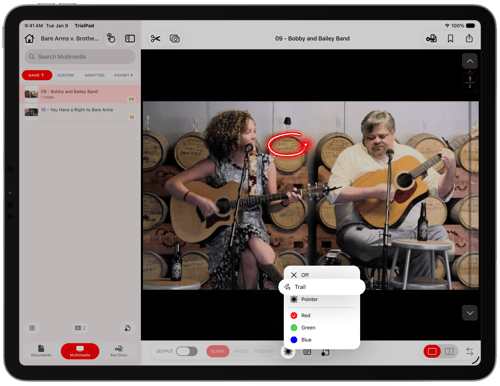
TrialPad's Laser lets you guide a witness or the jury to a specific area of a document or multimedia file without leaving a permanent mark.
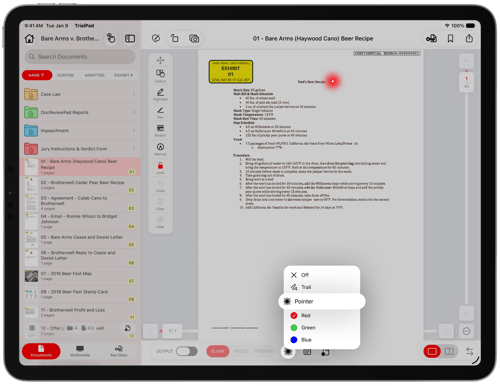
TrialPad offers two laser types — Laser and Laser Trail — each available in red, green, or blue, for use on both documents and multimedia files.
How to Use the Laser
While presenting a document or multimedia file, drag your finger across the Preview Window to point to the area you want to highlight.
The laser is offset slightly from your finger so it doesn't block the view.
- Lift your finger to stop pointing. The Laser disappears immediately, so there's nothing to clear or undo.
Using Laser Trail
Laser Trail works the same way as the Laser on both documents and multimedia files, but leaves a brief, fading trail behind your finger as you move. This is useful for tracing a line of text or following a signature.